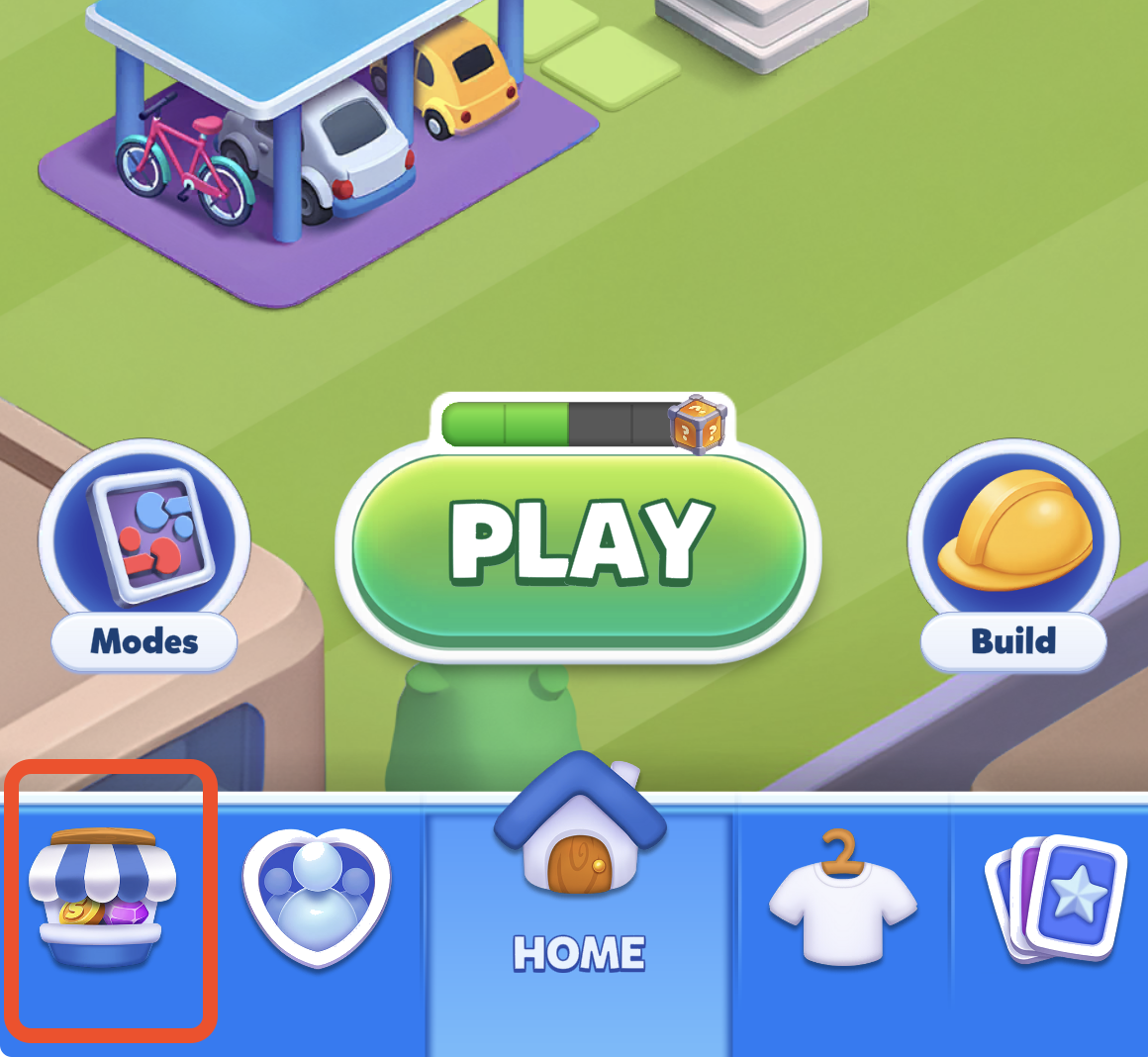
You can purchase Gems or Gold through the in-game Shop.
Step 1: Tap on the Shop icon on the bottom-left of the Lobby screen, or tap your Gold/Gems balance at the top-right corner.
Step 2: In the Shop, choose the item you want to purchase and tap the corresponding green button. This will open the Play Store or App Store purchase screen.
Step 3: Complete the purchase by following the instructions provided by the Play Store / App Store.